Before you can import a file into CivilPro, you will need to create a CSV file. Excel documents can be saved as CSV files.
Related Link:
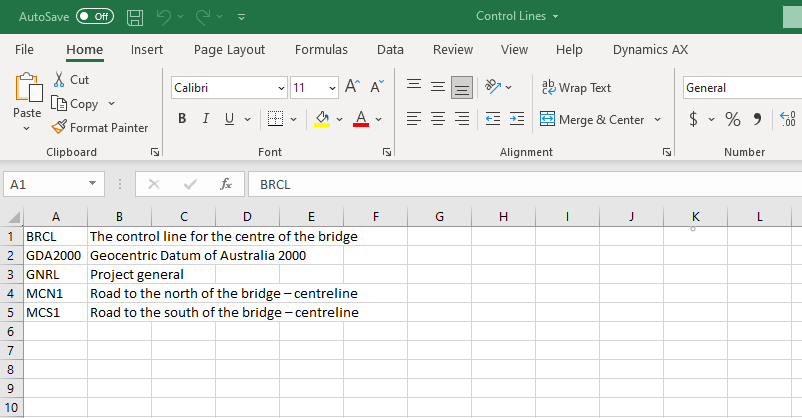
a. Open your Excel document.
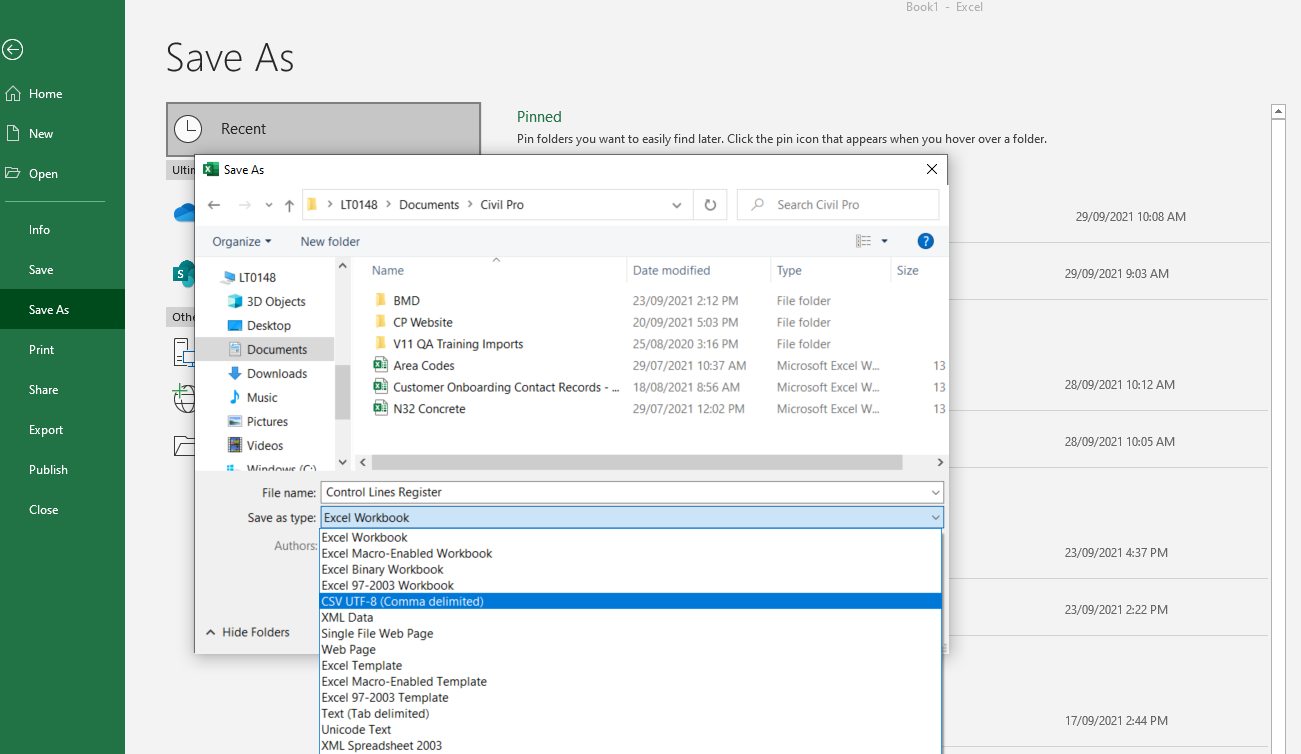
b. Go to “File” and select “Save As”.
c. Select the folder to save your file, enter the file name and in the “Save as type” field, select “CSV UTF-8 (Comma delimited)”. Click “Save”.
To learn how to clean up your Excel documents (such as ITP's, etc), before you save as a CSV file and import into CivilPro, click HERE.